


Moving a website from one Content Management System (CMS) to another can feel like a daunting task, akin to packing up your entire life and relocating. There’s the sheer volume of data, the fear of breaking something, and the inevitable disruption. Yet, for many businesses, a CMS migration isn’t just an option; it’s a critical step towards unlocking their website’s full potential.
In today’s fast-paced digital landscape, a website is more than just an online brochure. It’s a dynamic hub for customer interaction, a powerful marketing tool, and often, the primary revenue generator. If your current CMS is holding you back, leading to slow loading times, security vulnerabilities, or a clunky user experience, then ignoring the problem is no longer an option. This comprehensive guide will delve deep into the “why” behind CMS migration, exploring its crucial role in enhancing website performance, boosting user engagement, and ultimately, driving business growth.
The Silent Killer: When Your CMS Becomes a Bottleneck
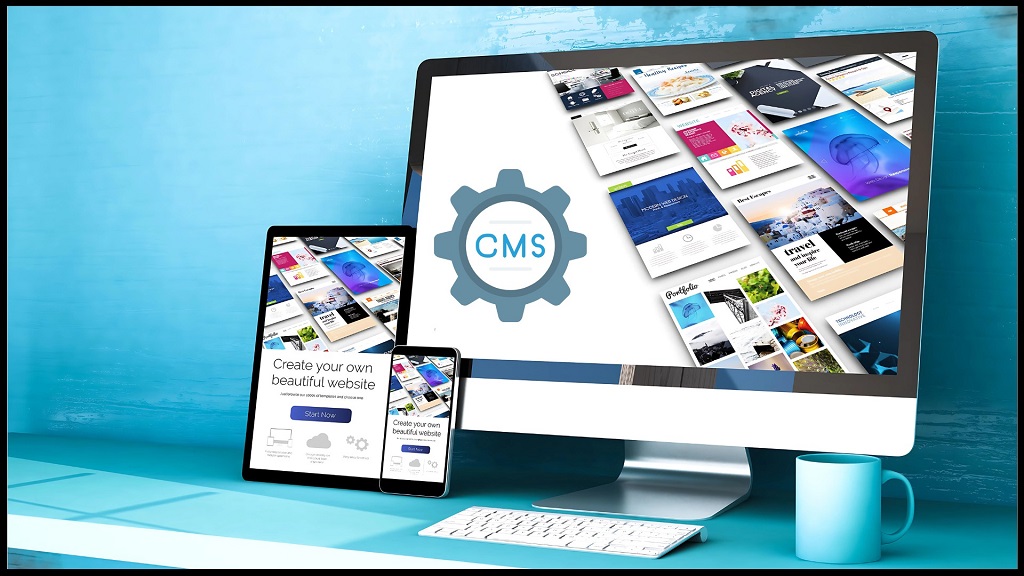
Imagine trying to run a marathon in quicksand. That’s often what it feels like when a website is shackled by an outdated or unsuitable CMS. While it might have served its purpose initially, the digital world evolves rapidly, and what was cutting-edge yesterday can become a significant hindrance today.
One of the most immediate and impactful consequences of an underperforming CMS is its effect on website speed. In an age where users expect instantaneous results, every millisecond counts. A slow-loading website not only frustrates visitors, leading to high bounce rates, but also significantly impacts your search engine rankings. Google, for instance, explicitly prioritizes fast-loading sites, making speed a critical SEO factor. An older CMS might be burdened by inefficient code, excessive plugins, or a lack of modern caching mechanisms, all contributing to sluggish performance.
Beyond speed, security vulnerabilities pose a significant threat. Outdated CMS platforms are often ripe targets for cyberattacks. As technology advances, so do the methods of malicious actors. A CMS that isn’t regularly updated with security patches becomes a gaping hole in your digital defenses, potentially leading to data breaches, website defacement, or even complete system shutdowns. The reputational damage and financial repercussions of such an attack can be devastating.
Furthermore, an inadequate CMS can severely limit your website’s scalability. As your business grows, so too does your website’s traffic and content. If your current CMS can’t handle the increased load, you’ll experience frequent crashes, performance degradation, and an inability to expand your online offerings. This lack of flexibility can stifle innovation and prevent you from capitalizing on new opportunities.
Beyond the Basics: Unveiling the Deeper Reasons for CMS Migration
While speed, security, and scalability are often the most visible pain points, the need for CMS migration often stems from a broader set of strategic considerations.
-
Enhanced User Experience (UX) and User Interface (UI)
A seamless and intuitive user experience is paramount for engaging visitors and converting them into customers. An outdated CMS might restrict your ability to implement modern design trends, responsive layouts, and interactive elements. This can lead to a clunky, visually unappealing website that frustrates users and drives them away. Migrating to a more flexible CMS empowers you to create a visually stunning and highly functional website that caters to the diverse needs of your audience, regardless of their device. Think intuitive navigation, personalized content, and smooth interactions – all made possible by a modern CMS.
-
Streamlined Content Management and Workflow Efficiency
For content creators, marketers, and developers, an inefficient CMS can be a constant source of frustration. Clunky interfaces, convoluted content creation processes, and a lack of collaborative features can significantly slow down your content pipeline. A modern CMS offers intuitive dashboards, drag-and-drop editors, robust version control, and powerful collaboration tools, streamlining your content creation and publishing workflows. This not only saves time but also allows your team to focus on creating high-quality, engaging content rather than battling with a cumbersome system.
-
Superior SEO Capabilities and Digital Marketing Integration
In the competitive digital landscape, strong search engine optimization (SEO) is non-negotiable. An older CMS might lack essential SEO features such as customizable URLs, meta description management, sitemap generation, and proper schema markup. This significantly hinders your ability to rank high in search results, making it harder for potential customers to find you.
A modern CMS, on the other hand, often comes with built-in SEO tools or offers robust integrations with popular SEO plugins. This allows you to optimize your content, improve your technical SEO, and track your performance more effectively. Furthermore, a new CMS can facilitate seamless integration with your other digital marketing tools, such as email marketing platforms, CRM systems, and analytics tools, creating a more cohesive and powerful marketing ecosystem.
-
Cost-Effectiveness and Long-Term Savings
While a CMS migration involves an initial investment of time and resources, it can lead to significant long-term cost savings. An outdated CMS often requires extensive custom coding for even minor modifications, leading to higher maintenance costs and reliance on specialized developers. Furthermore, the lost revenue due to poor performance, security breaches, and missed marketing opportunities can far outweigh the cost of migration.
A modern, well-supported CMS often boasts a vibrant community, readily available plugins, and easier access to skilled developers, reducing ongoing maintenance expenses and providing greater flexibility. This translates into a healthier ROI and a more sustainable digital strategy.
-
Enhanced Security and Compliance
Beyond the basic security patches, a modern CMS often incorporates advanced security features like two-factor authentication, robust access control, and built-in firewalls. For businesses handling sensitive customer data, compliance with regulations like GDPR and CCPA is paramount. An outdated CMS might not have the necessary features or updates to ensure compliance, leaving your business vulnerable to legal penalties and reputational damage. Migrating to a compliant CMS can provide peace of mind and safeguard your business.
-
Future-Proofing Your Digital Presence
The digital world is in constant flux. New technologies emerge, user expectations shift, and business needs evolve. An older CMS might lack the adaptability to keep pace with these changes, leaving your website stagnant and unable to leverage new opportunities. A modern CMS, designed with flexibility and extensibility in mind, allows you to integrate new functionalities, embrace emerging technologies, and adapt to future trends without undergoing another major overhaul in the near future. It’s an investment in the longevity and relevance of your online presence.
The Migration Process: A Roadmap to Success
While the reasons for migration are compelling, the process itself requires careful planning and execution. It’s not simply a matter of copying and pasting content. A successful CMS migration typically involves:
- Thorough Planning and Strategy: Defining clear objectives, assessing current website performance, identifying desired features, and creating a detailed migration plan.
- Content Inventory and Audit: Identifying all existing content, determining what needs to be migrated, updated, or archived.
- Data Migration: Carefully transferring databases, user accounts, and other critical information. This often involves custom scripts or specialized tools to ensure data integrity.
- Design and Development: Replicating or redesigning the website’s aesthetics and functionality on the new CMS. This is an opportunity to improve UI/UX.
- Testing and Quality Assurance: Rigorous testing of all functionalities, links, integrations, and content to ensure everything works seamlessly.
- SEO Considerations: Implementing 301 redirects, preserving URL structures, and updating sitemaps to maintain search engine rankings.
- Launch and Post-Migration Monitoring: Carefully launching the new website and continuously monitoring its performance, addressing any issues that arise.
Read More Also: The Role of a Blockchain App Development Company in Ensuring HIPAA Compliance: A Complete Guide
Frequently Asked Questions (FAQs) About CMS Migration
Q1: How long does a typical CMS migration take?
A1: The duration of a CMS migration varies significantly depending on the website’s size, complexity, the amount of content, and the chosen CMS. Simple migrations can take a few weeks, while large-scale, complex projects might span several months.
Q2: Will my website experience downtime during the migration?
A2: While some downtime is almost unavoidable during the final cutover, a well-planned migration minimizes disruption. Strategies like staging environments and careful scheduling can ensure a smooth transition with minimal impact on your live website.
Q3: What are the biggest risks associated with CMS migration?
A3: The primary risks include data loss, broken functionalities, loss of SEO rankings, and extended downtime. However, these risks can be mitigated through meticulous planning, thorough testing, and working with experienced professionals.
Q4: How much does CMS migration cost?
A4: The cost of CMS migration is highly variable, influenced by factors such as the complexity of your current website, the chosen new CMS, the amount of content, custom functionalities, and whether you engage a professional agency or handle it in-house. It can range from a few thousand dollars to tens of thousands or more.
Q5: How do I choose the right CMS for my migration?
A5: Choosing the right CMS involves assessing your current and future needs, considering factors like scalability, security, ease of use, available features, community support, and integration capabilities. Popular options include WordPress, Drupal, Joomla, Shopify, and various enterprise-level solutions.
Q6: Will I lose my SEO rankings after a CMS migration?
A6: If not handled correctly, yes. However, with proper SEO planning during the migration, including 301 redirects for all old URLs, maintaining site structure, updating XML sitemaps, and preserving content, you can actually improve your SEO performance.
Read More Also: 6 Ways to Make Your Data Collection Process Easier
Conclusion: Embracing the Future of Your Digital Presence
The decision to embark on a CMS migration is a strategic one, driven by the desire to elevate your website’s performance and future-proof your digital presence. While the process may seem daunting, the benefits far outweigh the challenges. From lightning-fast loading speeds and robust security to enhanced user experiences and powerful marketing capabilities, a well-executed CMS migration is an investment that pays dividends in improved engagement, increased conversions, and sustained business growth.
Don’t let an outdated CMS be the anchor holding back your online potential. Take the proactive step to assess your current situation and explore the possibilities that a modern, optimized CMS can offer.
Ready to unlock your website’s true potential and supercharge your online presence? Contact us today for a comprehensive consultation on your CMS migration strategy and discover how we can help you navigate this transformative journey with confidence!